How to Choose a TV Streaming Box: A Simple 2026 Buyer's Guide
A TV streaming box is hardware that connects to your television and home internet. The right choice depends on your TV, network, preferred apps, and the level of support you want after purchase.
1. Check your TV connection
Your TV needs an available HDMI input. Higher-resolution and HDR features also require a compatible television and compatible content. A device that supports a higher format does not make every program display at that format.
2. Check your home internet
Streaming depends on your internet connection. Wi-Fi is convenient, while Ethernet can be useful when a wired connection is available. Performance can vary with your network, the app being used, and the content provider.
3. Compare storage and connections
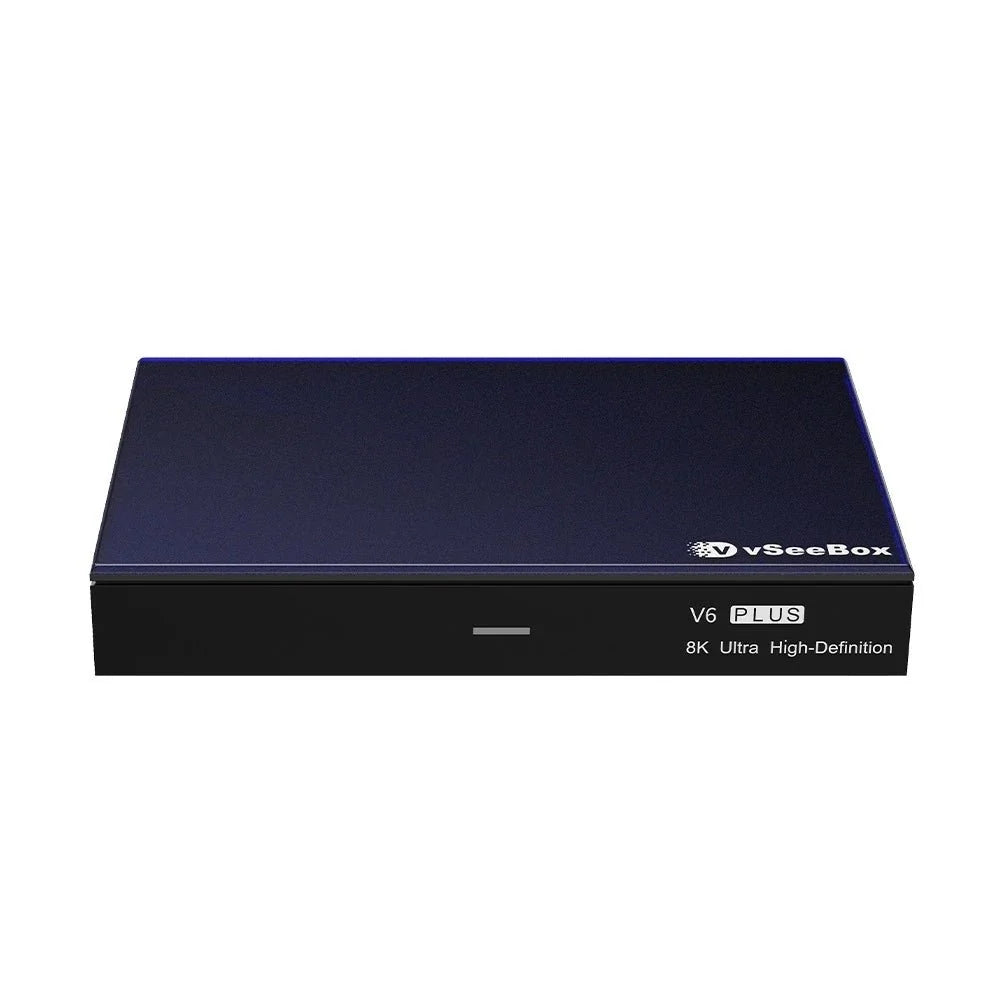
The vSeeBox V6 lineup currently includes:
- V6 Pro: 4GB RAM + 32GB storage, HDMI 2.0.
- V6 Max: 4GB RAM + 64GB storage, HDMI 2.1.
- V6 Plus: 4GB RAM + 64GB storage, HDMI 2.1, plus split-screen multitasking.
For current pricing and complete specifications, use the individual product pages rather than relying on an older comparison article.
4. Understand app and service costs
vSeeBox East sells the hardware as a one-time purchase and does not charge a recurring device subscription. Third-party apps, streaming services, internet service, account requirements, availability, and pricing are separate and are controlled by their respective providers.
5. Read the return and warranty terms
Before buying any electronics, check the seller's return conditions and hardware warranty. At vSeeBox East, unused and unopened devices in their original factory-sealed packaging may be eligible for return within 30 days of delivery under our Refund & Return Policy. Opened or activated devices are not eligible for change-of-mind returns. Hardware defects are handled under our 1-year limited hardware warranty.
Clear product specifications and clear policies matter more than broad promises. If you have a question before ordering, contact us and we will help you compare the models using the current product information.
A quick final check before buying
Confirm the television connection first, then the home network, the apps that matter, and the amount of storage you expect to use. Compare the current product pages side by side and read the seller's policies before opening or activating the device. This order prevents a headline feature from distracting from a basic compatibility or support issue.