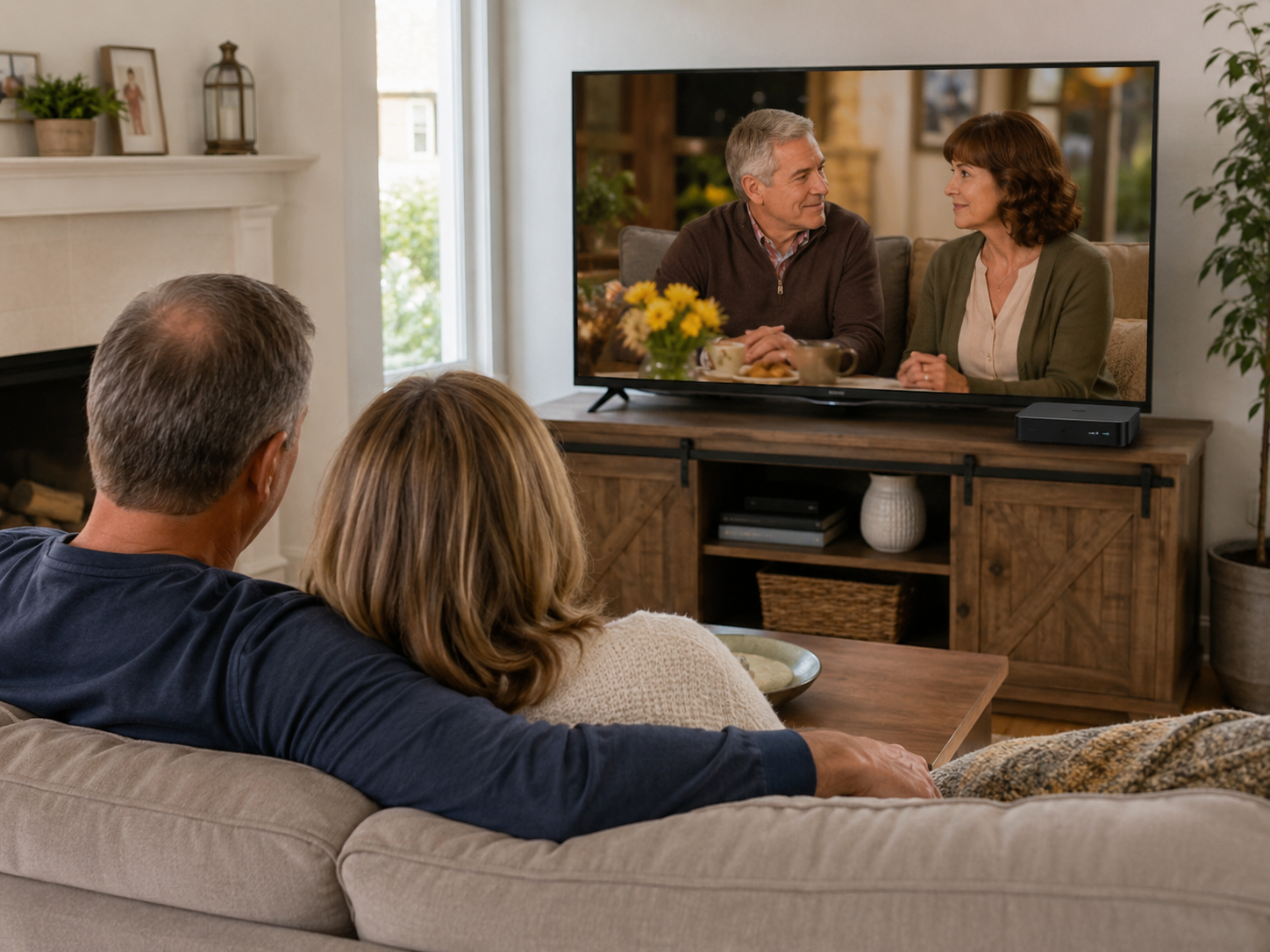
Set Up Your vSeeBox
Step 1 — Connect HDMI and power
Connect the included HDMI cable from your vSeeBox to an available HDMI port on your TV. Then connect the power adapter. Note which HDMI port you used, such as HDMI 1 or HDMI 2.
Step 2 — Select the correct TV input
Turn on your TV and use the TV remote's Input or Source button to select the HDMI port connected in Step 1. You should then see the vSeeBox setup screen.
Step 3 — Connect to your home internet
Follow the on-screen instructions to select your Wi-Fi network and enter your Wi-Fi password. If you prefer a wired connection and your model/setup supports it, connect Ethernet instead.
Need help?
Email support@vseeboxeast.com with your order number and a description of what you see on the screen. Email is the fastest way for us to review the problem and guide you through the next steps.
The remote requires 2 AAA batteries, which are not included.